
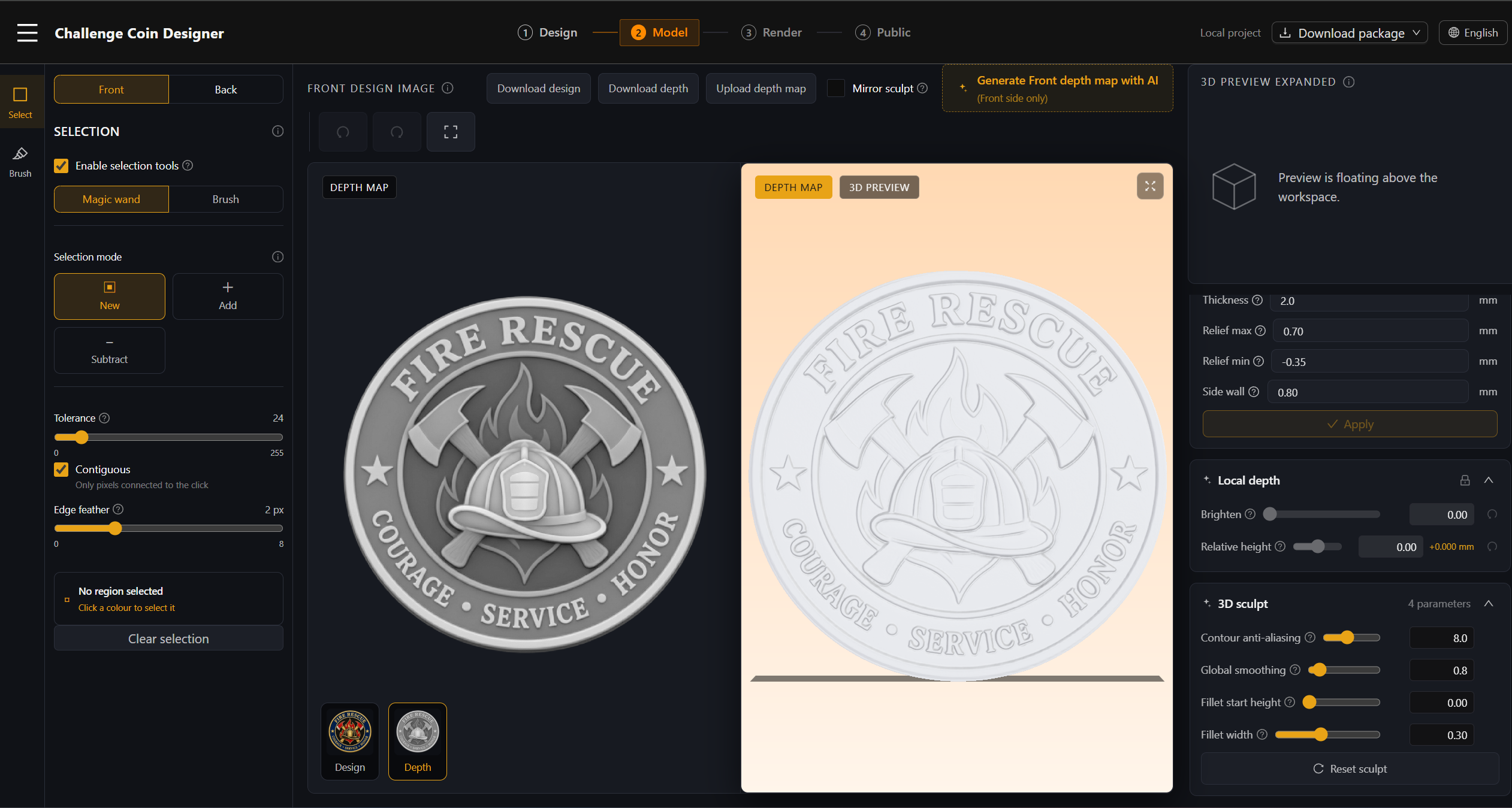
What is a grayscale height map?
A grayscale height map controls relief height: lighter pixels raise the surface and darker pixels keep it lower. It must align with the artwork for the same coin face.
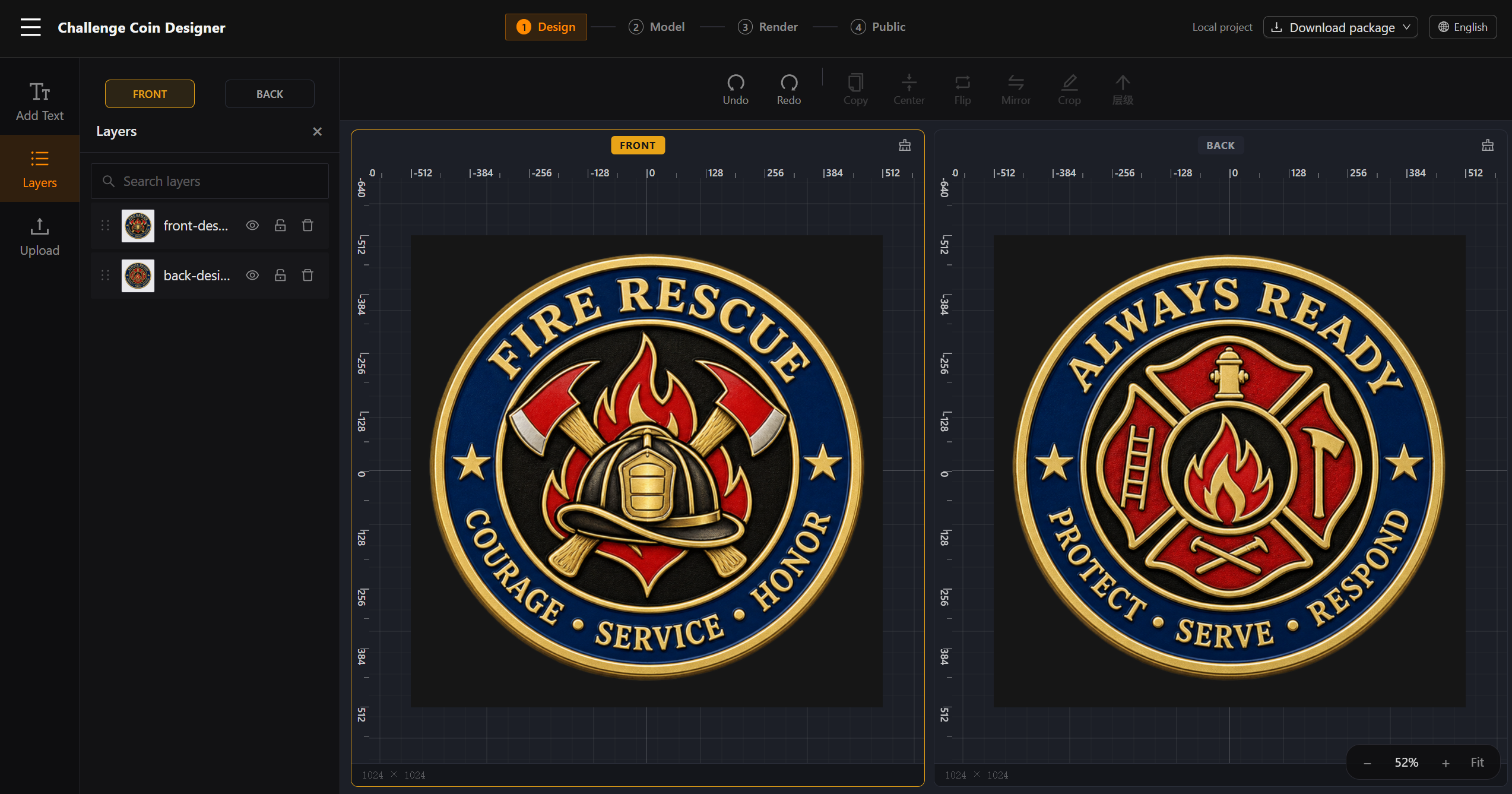
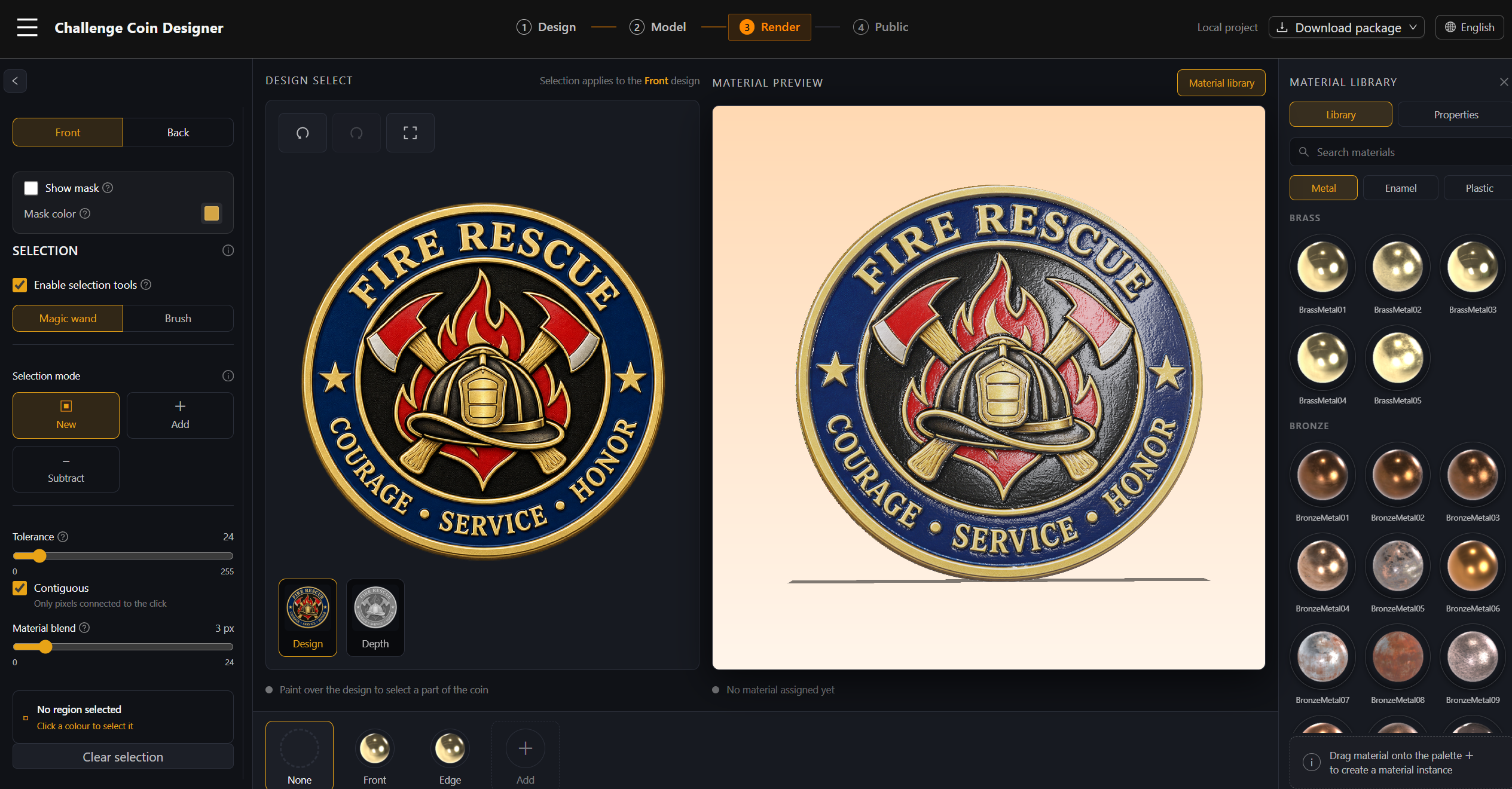
Read the height map guideTurn front and back artwork plus grayscale height maps into detailed, double-sided 3D relief coin models. Preview materials in real time and export GLB or STL files.
Challenge coin design FAQ
The essentials for turning artwork into a reliable double-sided 3D coin.
A grayscale height map controls relief height: lighter pixels raise the surface and darker pixels keep it lower. It must align with the artwork for the same coin face.
Read the height map guideA height map changes the coin geometry and produces real relief. A normal map only changes how light appears on a surface and does not create printable depth.
Learn how to prepare a height mapYes. CoinDesign models aligned front and back artwork as one closed coin body, then applies a separate height map to each face.
See the modeling workflowYes. GLB is useful for sharing and 3D viewing; STL is intended for fabrication and 3D-print workflows. Both are available from the Publish step.
Read about publishing and export