Challenge Coin Design Guides

From idea to challenge coin: how the editor works
Guide

From idea to challenge coin: how the editor works

A good challenge coin is designed as one object: artwork establishes the silhouette, depth establishes the form, materials establish the character, and the final render verifies the result. This guide maps the full workflow before you begin.

8 min read|Oct 16, 2026
Read article
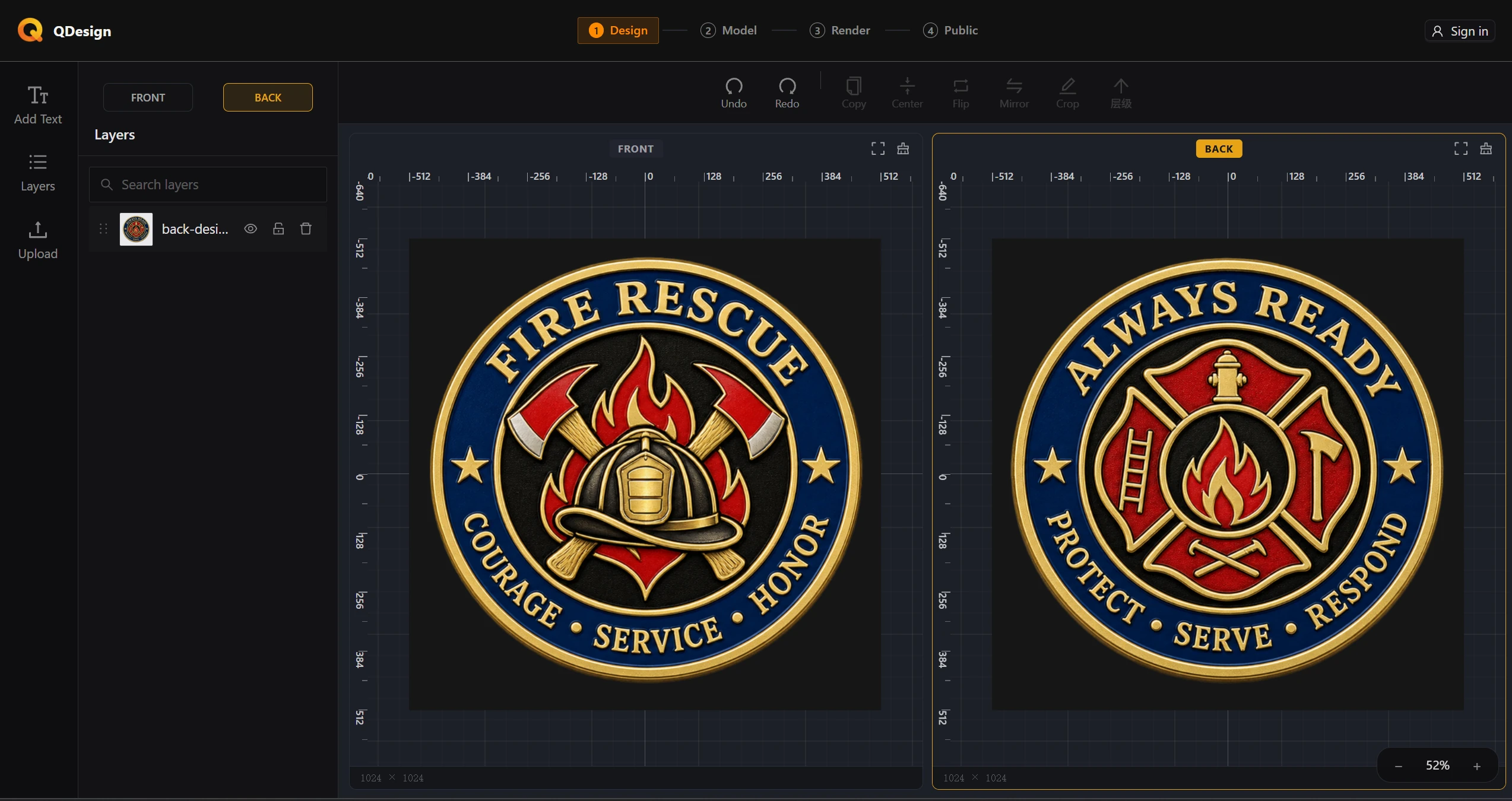
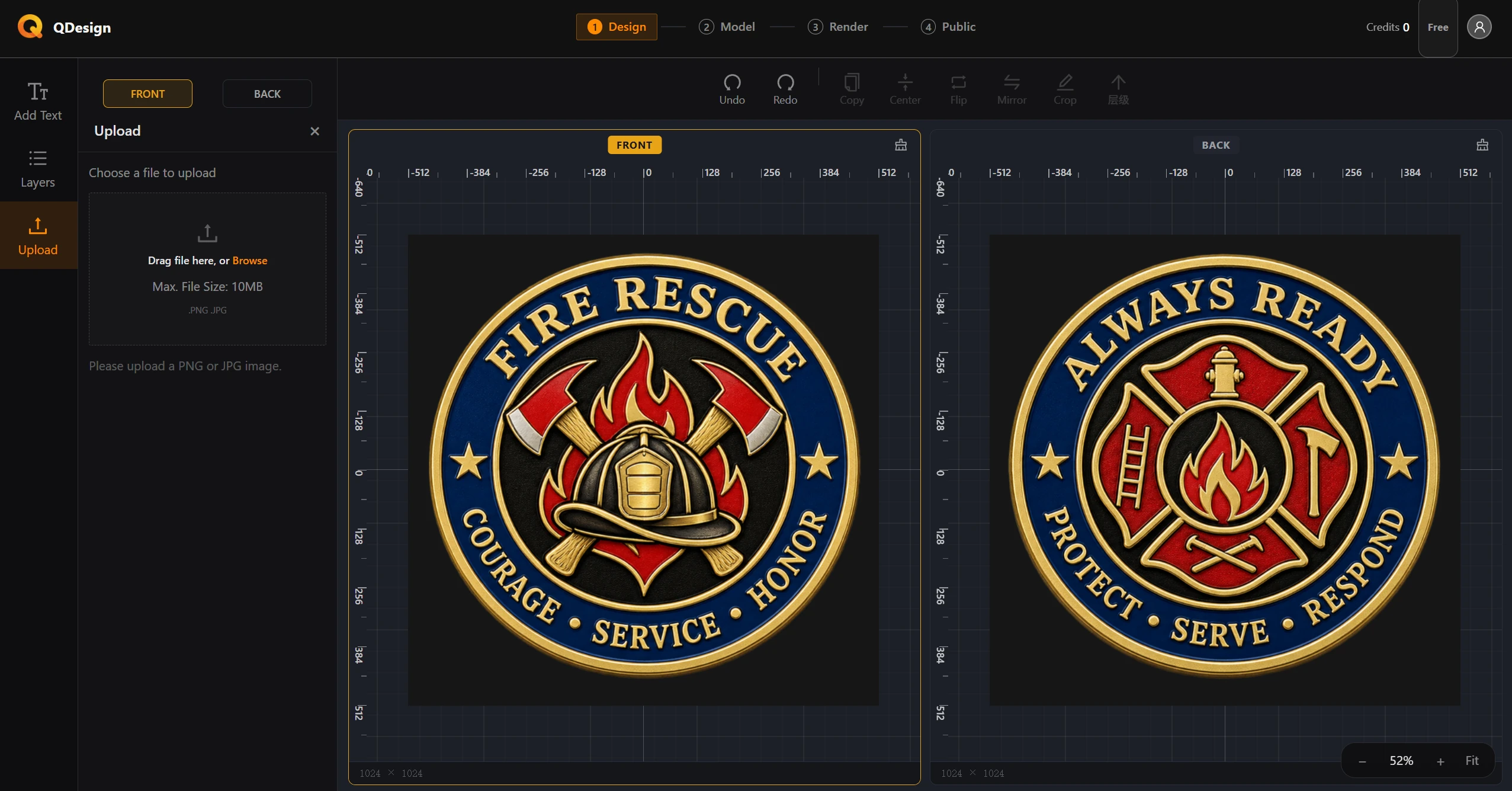
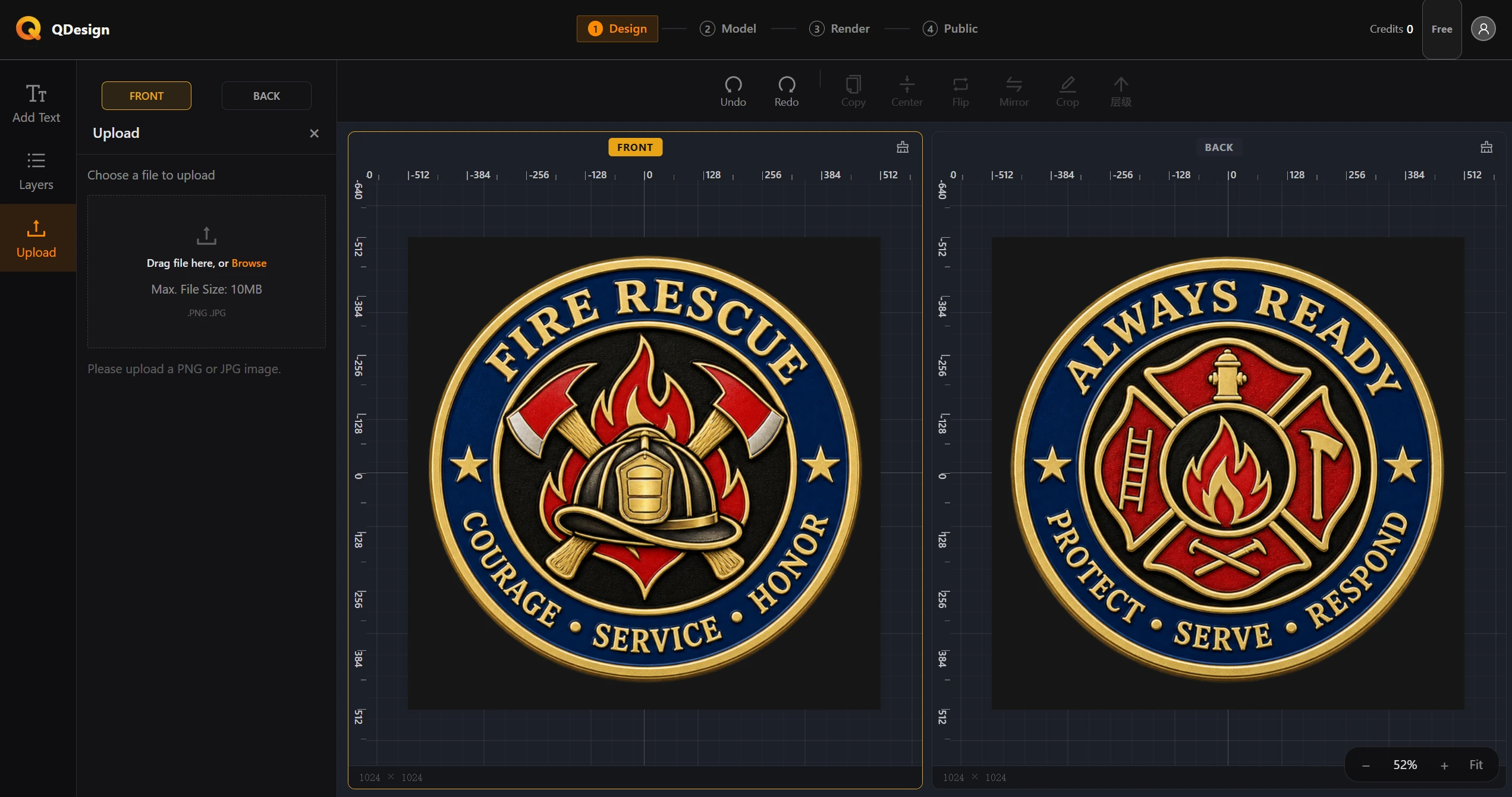
Design: prepare artwork for the coin faces
Step 1 · Design

Design: prepare artwork for the coin faces

Build a challenge coin face that looks intentional in 2D and remains dependable when it becomes geometry. This guide covers composition, alpha-aware artwork, text layout, and the checks worth making before you model.

9 min read|Oct 16, 2026
Read article
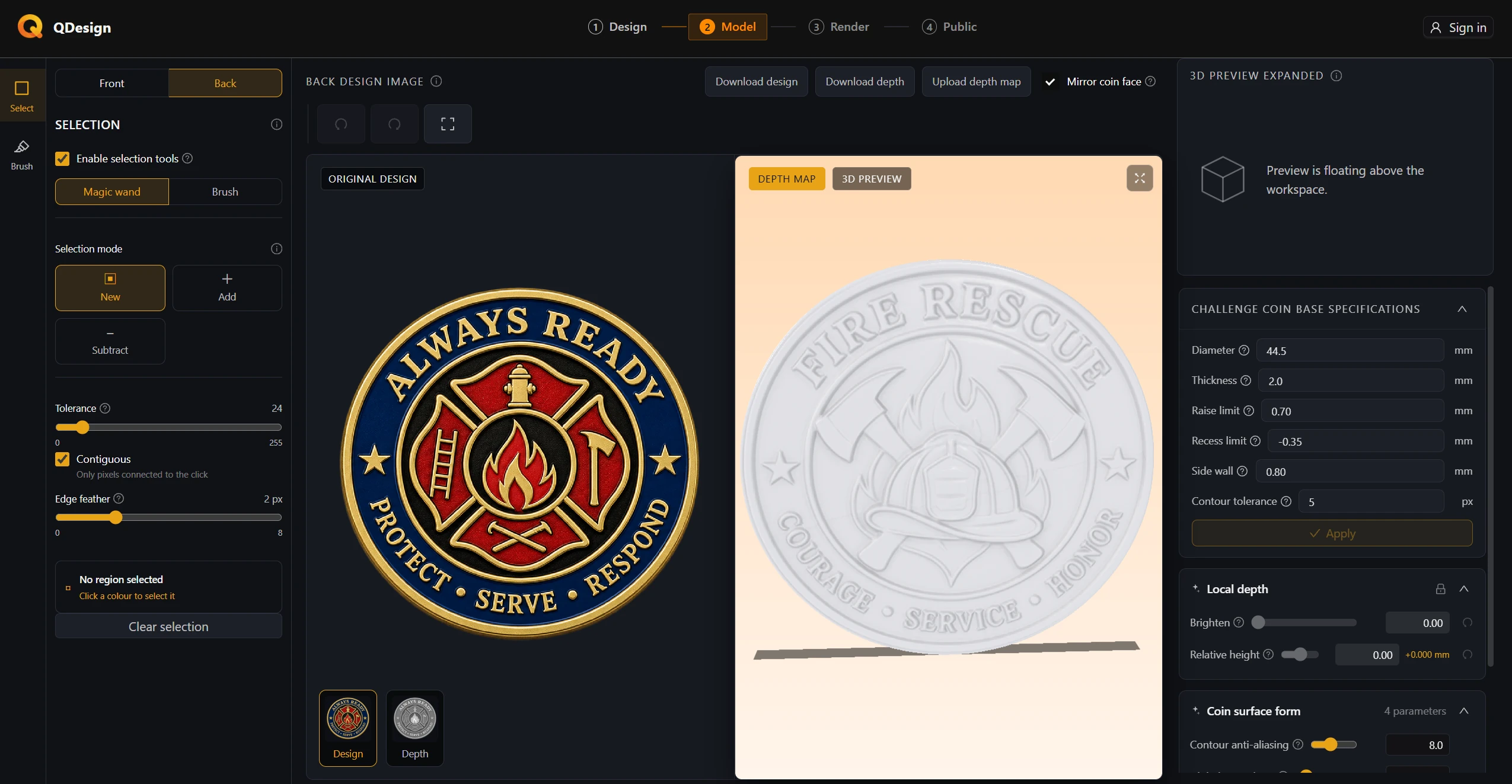
Model: give the challenge coin dimension
Step 2 · Model

Model: give the challenge coin dimension

Turn an approved challenge coin silhouette into a robust 3D body, then use aligned grayscale depth maps to build clear, manufacturable surface hierarchy. Learn what to check before height, brush, and edge settings become permanent.

10 min read|Oct 16, 2026
Read article
Generate grayscale height maps with AI
Guide

Generate grayscale height maps with AI

Turn a finished challenge coin design into a clean grayscale height map with an AI image tool, then validate its alignment, height hierarchy, and edges before upload.

10 min read|Oct 23, 2026
Read article
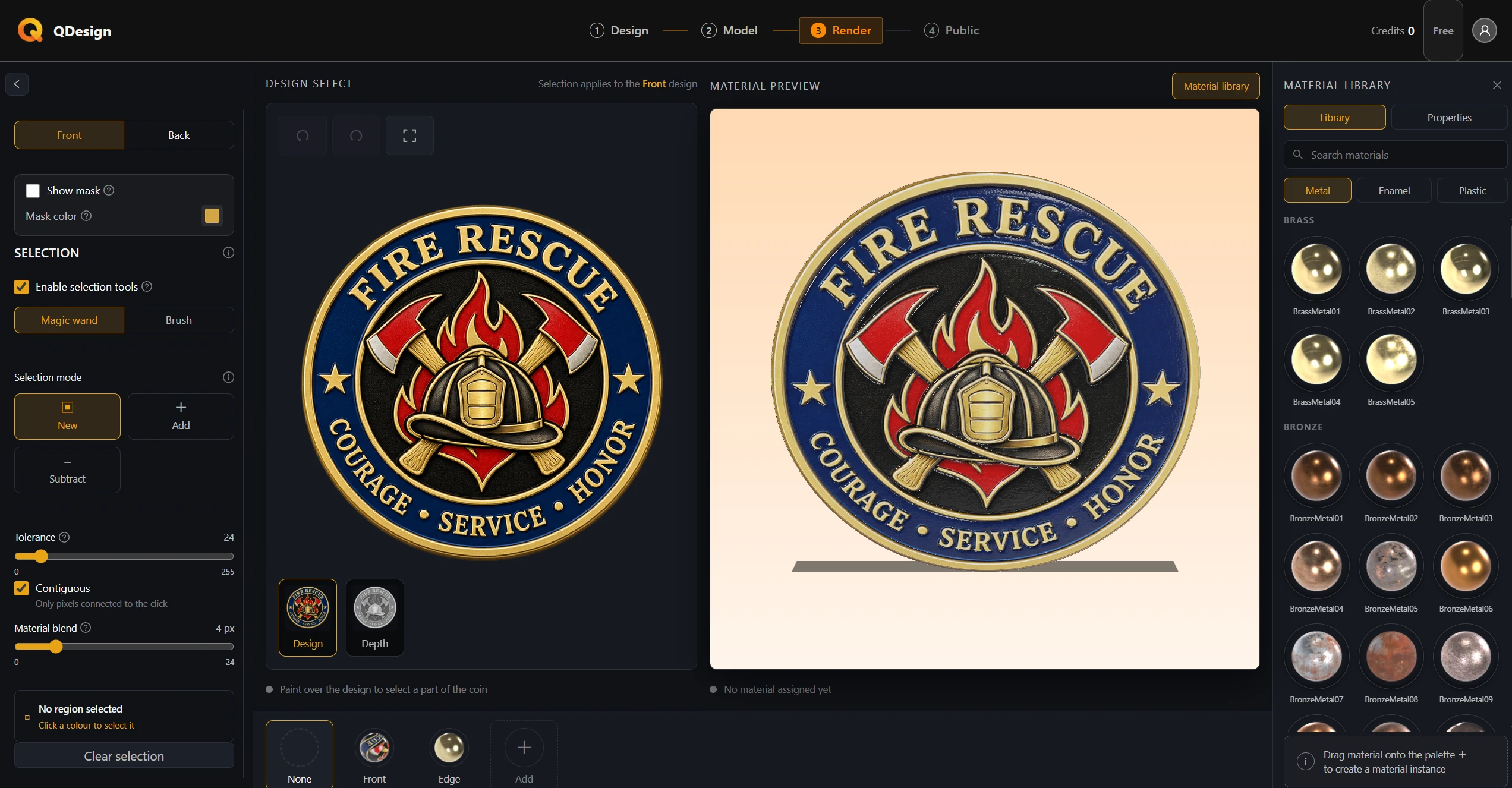
Render: dress the challenge coin in materials
Step 3 · Render

Render: dress the challenge coin in materials

Give the completed challenge coin a coherent physical finish. Learn how base material regions, enamel accents, selection masks, roughness, and lighting work together before you judge a metal surface.

9 min read|Oct 16, 2026
Read article
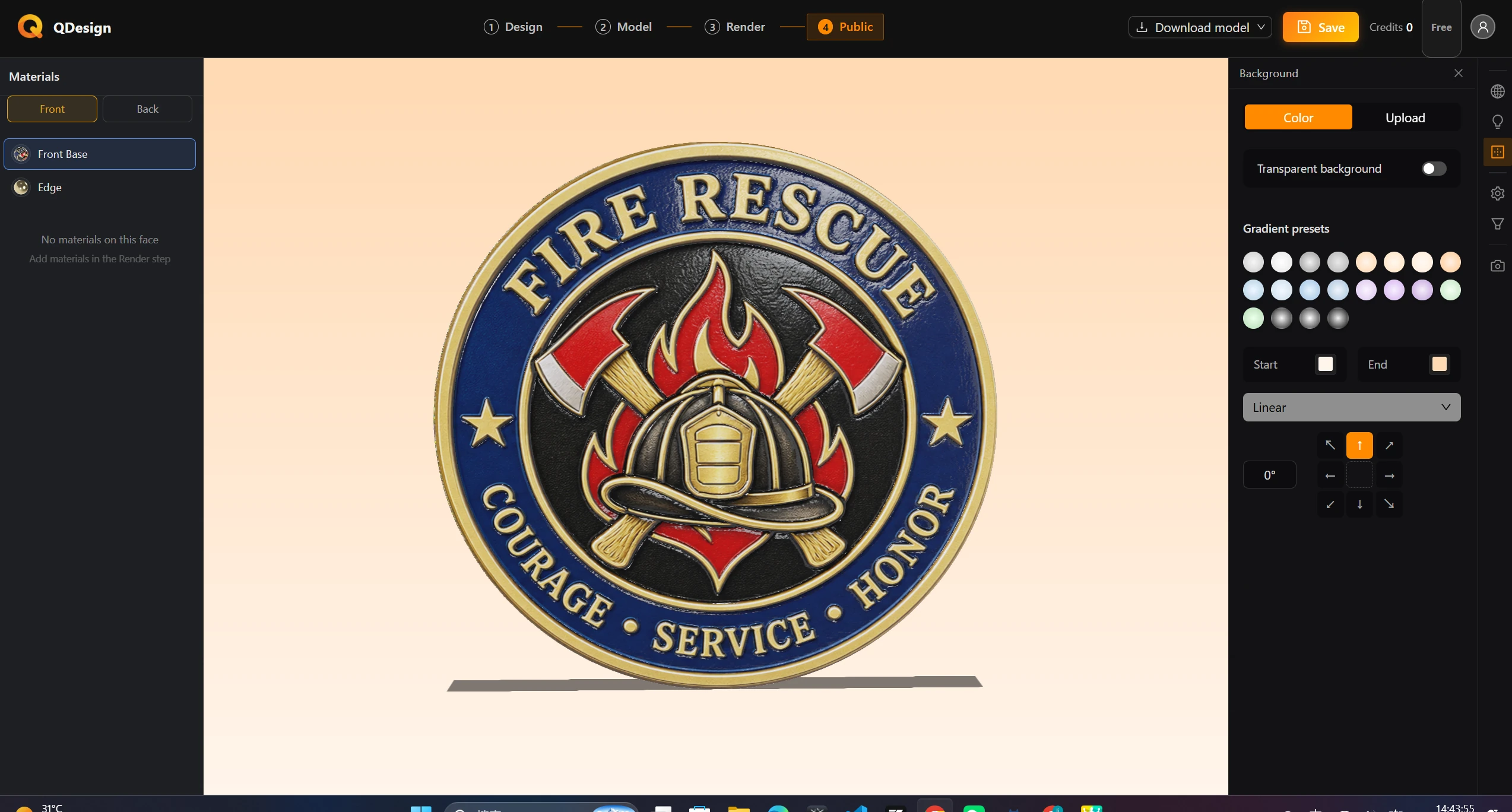
Publish: show it off and export it
Step 4 · Publish

Publish: show it off and export it

Prepare a challenge coin for review, sharing, or production. Set a camera that reveals form, light metal honestly, save a recoverable design state, and choose the export format that fits the next handoff.

8 min read|Oct 16, 2026
Read article
Design input best practices: symmetric and asymmetric coin faces
Best practice

Design input best practices: symmetric and asymmetric coin faces

Your Design artwork is geometric input, not just a flat preview. Learn when front and back must match exactly, how asymmetric faces create an overlay, and how to prepare dependable inputs for modeling, coin-surface detail, and materials.

9 min read|Oct 21, 2026
Read article